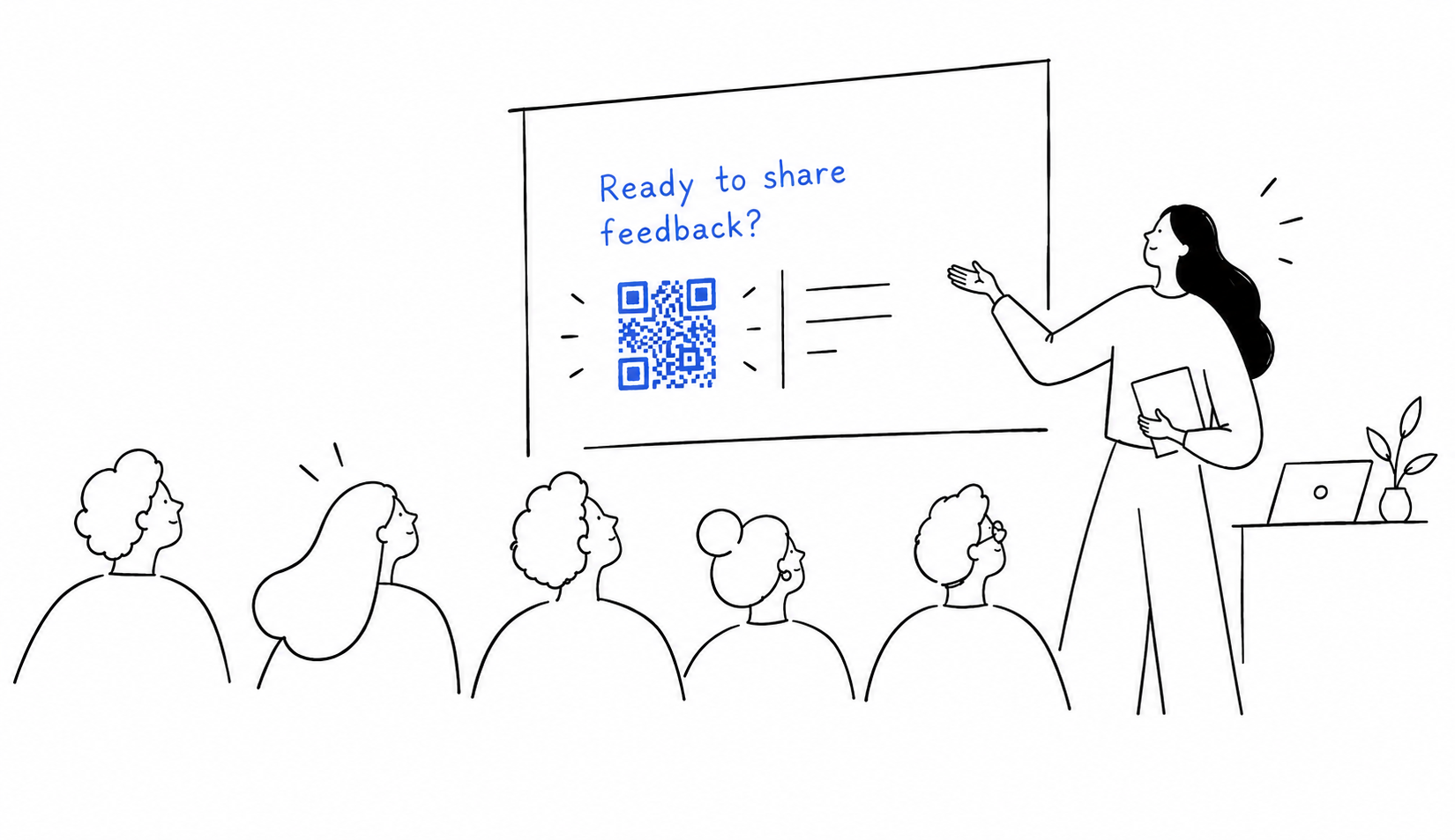
Honest feedback for trainers, consultants, or teachers
Debrief instantly builds your survey from the material you actually taught, then collects feedback and tells you what to improve
How it works
Drop. Review. Share.
Drop your slides.
Or paste your outline.
Review your questions.
We draft, you decide.
Share one link.
Or a QR code.
Insights
Make feedback work for you.
See what participants valued, where they got stuck, and what to change. Get tips and recommendations for your next session.
Survey insights
What worked
- Clear speaking tips.8 of 10
- Useful pitch practice.7 of 10
- Design pitch examples.6 of 10
What to improve
- More rehearsal time.6 of 10
- Slower demo pacing.5 of 10
Your next steps
- Completed: Rehearse a 60-second pitch.
- Next step: Pause after each demo.
- Next step: Repeat the design pitch.

Proof
Turn praise into proof.
Share success with your audience. Turn your best feedback into a badge you can share in proposals, on your website and on LinkedIn.
Explore the feedback badgeIllustrative example
Public speaking for designers
Facilitated by a sample trainer
4.2out of 5
from 10 responses
- Clear explanations4.5
- Useful exercises4.1
- Pace of the session3.8

Private
Honest answers, because it's anonymous.
No sign-in for participants. Answers stay anonymous. Your training material are deleted once your questions are ready.

Designed for you
From solo workshops to company onboarding, debrief turns your material into a survey in seconds.
Independent trainers
Feedback that's about your training, not any training.
Workshop facilitators
Know which exercise landed.
Consultants
Turn praise into proof for your next proposal.
HR and onboarding teams
See what new hires still find unclear.
Training companies and academies
One simple survey for every trainer.
Course creators and instructors
Find what to fix in your next cohort.
Speakers and webinar hosts
Get real takeaways, not just applause.
Teachers and professional development leads
Learn what actually helps.
Nonprofit and community program coordinators
Show funders what your sessions achieve.
Mentors and coaches
Hear what's working between mentors and mentees.


Questions
What is debrief?
debrief turns your slides or workshop outline into a short feedback survey in seconds. When answers come in, it tells you what worked, what to improve and what to try next.
How fast can I get a survey?
Drop in your material and your questions are ready in seconds. Review them, then share one link or QR code. Most trainers are live in under two minutes.
What will I learn from the feedback?
You see what people valued, where they got stuck and what to change next time, with clear counts like "6 of 8 participants". No guessing, no vague summaries.
Can I edit the questions?
Always. Reword, reorder, delete or add your own. Only the overall 5-star rating stays, so every survey has one number you can compare over time.
Do my trainees need an account?
No. They open your link or scan the QR code, answer in about two minutes and are done. Their answers are anonymous by default.
What happens to my slides or document?
We delete them right after your questions are generated. debrief keeps only your survey, its questions and the anonymous responses, and you can delete those at any time.
When do I see my insights?
Once five people respond, you get a first look at your insights. The more answers you collect, the sharper and more useful the picture gets.
Can I share the results?
Yes, debrief turns your best feedback into a ready-to-share badge, as social proof that you can add to proposals or post on LinkedIn.